

SaaS page indexing is an essential part of building a successful search engine optimization strategy for software-as-a-service businesses. Even a well-designed SaaS website with valuable content, optimized landing pages, and strong technical performance may struggle to attract organic traffic if Google cannot discover and index its important pages. Without proper indexing, potential customers may never find your software solutions through relevant Google searches.
For SaaS companies, Google Search visibility plays an important role in attracting qualified visitors, generating product sign-ups, increasing demo requests, and supporting long-term business growth. However, indexing problems can prevent important pages from appearing in search results, limiting the effectiveness of content marketing and SEO investments.
This SaaS page indexing guide explains how Google indexing works, why SaaS pages sometimes fail to appear in search results, and which technical and content optimization strategies can improve website indexability. It also covers practical methods for monitoring indexing performance using Google Search Console.
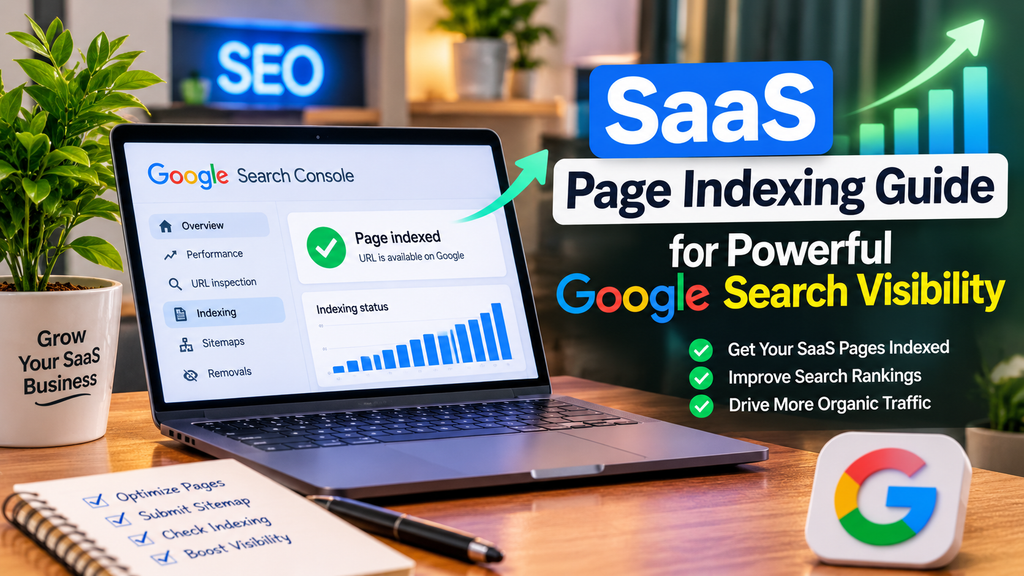
What Is SaaS Page Indexing?
SaaS page indexing refers to the process through which Google discovers, crawls, analyzes, and potentially stores web pages from a software-as-a-service website in its search index.
Google generally processes web pages through three main stages:
1. Crawling: Googlebot discovers website URLs through internal links, XML sitemaps, and other sources. It then attempts to access those pages to examine their content.
2. Indexing: Google processes the information collected during crawling, evaluates page content, identifies canonical URLs, and determines whether individual pages should be included in its search index.
3. Serving Search Results: When someone searches for a relevant topic, Google selects suitable indexed pages and determines which results to display based on its ranking systems.
These processes are connected, but they are not identical. A page can be discovered without being crawled, crawled without being indexed, or indexed without achieving strong search rankings.
For example, a SaaS company offering project management software might publish articles about workflow automation, team collaboration, and productivity tools. If Google indexes those articles, they become eligible to appear when users search for related information.
However, indexing alone does not guarantee visibility or traffic. The pages must also provide useful content that satisfies relevant search intent.
Why Is SaaS Page Indexing Important for Google Search Visibility?
Proper page indexing creates opportunities for SaaS businesses to reach potential customers throughout their buying journey.
Many SaaS buyers begin by researching business problems rather than searching for a specific software company. They might look for workflow solutions, automation tutorials, software comparisons, or pricing information before deciding which product to purchase.
A properly indexed SaaS website can target these searches with informational articles and commercially focused landing pages.
Improve Organic Search Discoverability
Indexed SaaS pages are eligible to appear in Google’s organic search results. This allows businesses to reach users searching for relevant topics without relying entirely on paid advertisements.
Generate Qualified SaaS Leads
Product pages, feature descriptions, and solution-based landing pages can attract users with clear commercial intent.
When these pages are indexed and rank for relevant keywords, they can contribute to free-trial registrations, demo requests, and customer acquisition.
Support Long-Term SEO Growth
Publishing valuable content helps establish topical coverage, but that content must be discoverable and indexable.
A strong indexing strategy allows SaaS companies to develop an organized library of useful resources that supports their broader organic growth strategy.
Improve Website Content Visibility
SaaS websites often contain several content categories, including:
- Product and feature pages
- Software integration pages
- Pricing and comparison pages
- Industry-specific solutions
- Educational blog articles
- Help guides and tutorials
Ensuring important pages can be indexed helps search engines understand the website’s offerings and areas of expertise.
How to Check Whether Your SaaS Pages Are Indexed by Google
Before fixing indexing problems, SaaS website owners should identify which pages are indexed and which require attention.
Google provides tools that help website administrators investigate indexing status.
Use Google Search Console
Google Search Console is one of the most useful platforms for monitoring SaaS website indexing.
To check indexing information:
- Open Google Search Console.
- Select the appropriate website property.
- Navigate to the Indexing section.
- Open the Pages report.
- Review indexed and non-indexed page totals.
- Examine the reasons Google provides for non-indexed URLs.
The report helps identify patterns that may affect multiple pages.
For example, if several important feature pages are excluded because of duplicate content or noindex directives, the website may require technical SEO improvements.
Remember that not every URL should appear in Google’s index. Duplicate pages, internal search results, and certain filtered URLs may reasonably remain excluded.
Inspect Individual URLs
The URL Inspection tool provides more specific information about an individual page.
Enter the complete URL into Google Search Console to examine its indexing status, last crawl information, indexing restrictions, and Google-selected canonical URL.
The tool may display messages such as:
- URL is on Google
- URL is not on Google
- Discovered – currently not indexed
- Crawled – currently not indexed
You can also test the live URL to investigate whether Google can currently access the page.
Use the Google Site Search Operator
Another quick method is searching Google with:
site:example.com
This can provide a rough overview of pages appearing from a particular domain.
You can also check a specific page:
site:example.com/blog/saas-seo-guide/
However, the site: operator is not a complete or reliable indexing audit. Google Search Console’s URL Inspection tool is better for confirming the indexed status of individual URLs.
Common SaaS Page Indexing Problems and Their Solutions
SaaS websites can experience indexing difficulties because of technical configurations, content duplication, weak internal linking, or accessibility problems.
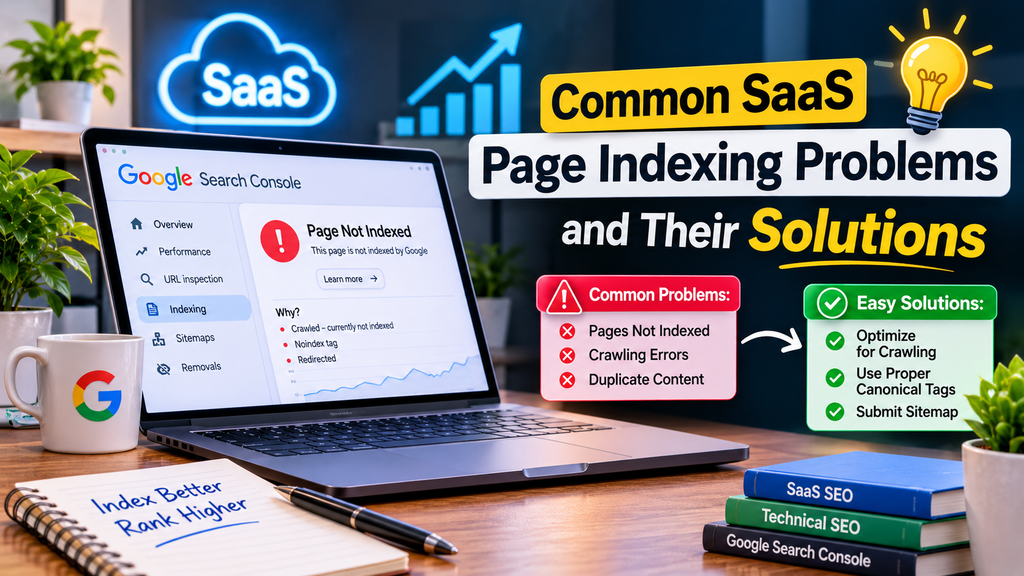
Understanding the cause is essential before applying a solution.
1. Discovered – Currently Not Indexed
This status generally indicates that Google knows about a URL but has not yet crawled it.
The problem may occur when a website publishes many new pages, has limited internal linking, or contains URLs that Google has not prioritized for crawling.
Recommended solutions:
- Add relevant internal links from established pages.
- Include important URLs in an XML sitemap.
- Check website availability and server stability.
- Remove unnecessary or low-value URLs from indexing workflows.
- Allow sufficient time for Google to crawl newly published content.
For SaaS websites, connecting new blog articles with relevant feature pages can improve page discovery.
2. Crawled – Currently Not Indexed
This status means Google has crawled the page but has not included it in its index.
It does not always indicate a technical error. Google may decide not to index a page based on its evaluation of the content and other signals.
Recommended solutions:
Review the page’s usefulness, originality, search intent, and similarity to existing content.
Improve weak sections with detailed explanations, original examples, product-specific information, and actionable insights.
Also check whether the page unintentionally duplicates another URL or contains technical indexing restrictions.
Content improvements may help, but indexing is never guaranteed.
3. Duplicate Pages and Canonical Issues
SaaS websites sometimes generate multiple URLs containing similar information.
Examples include tracking-parameter URLs, overlapping software feature pages, and alternative page versions.
Google may select one URL as the canonical version and exclude the others.
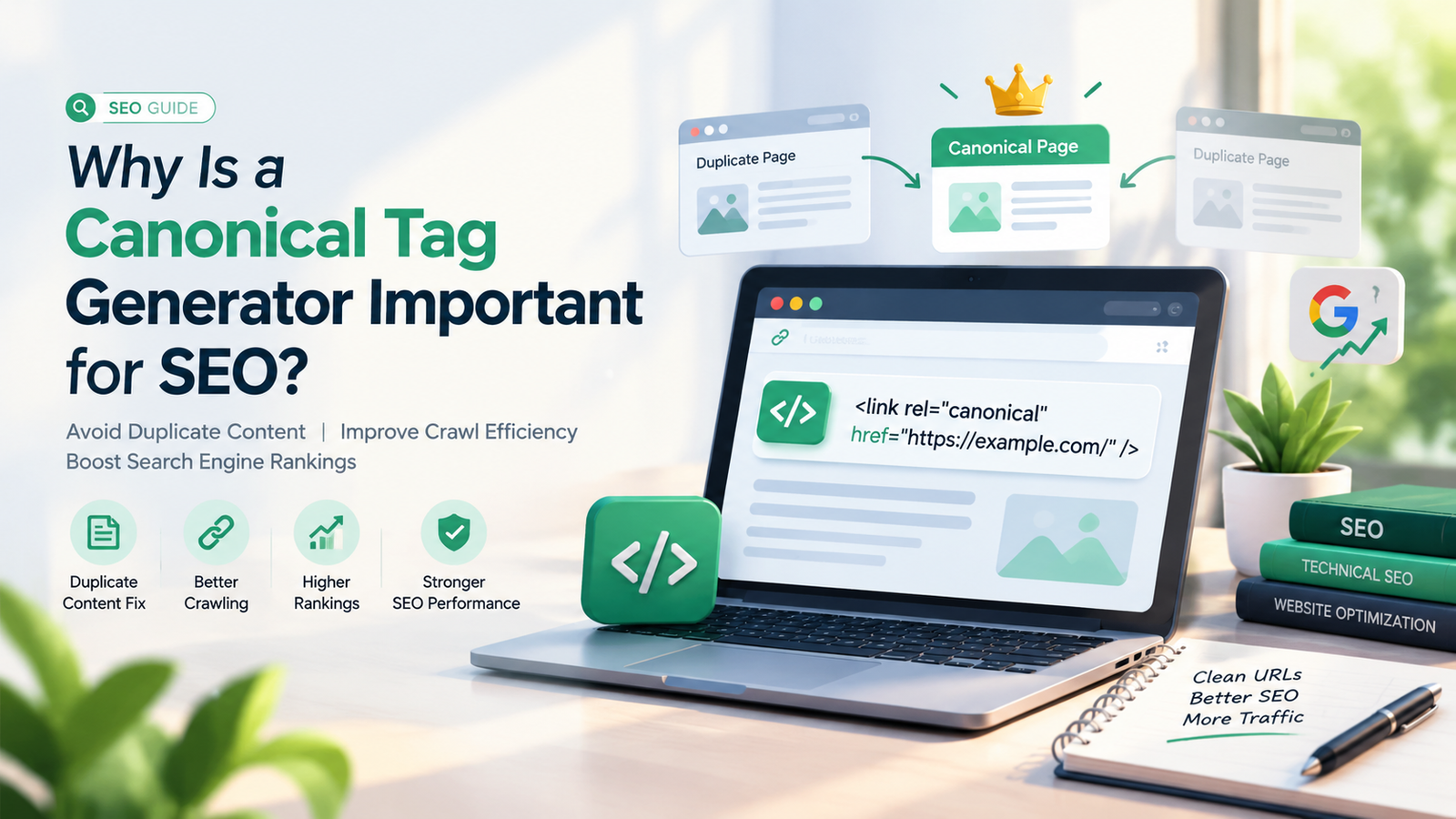
Use canonical tags to indicate preferred URLs where appropriate.
For example:
<link rel="canonical" href="https://example.com/features/">
Ensure your internal links and XML sitemap consistently reference the preferred URL.
Avoid assigning unrelated pages to the same canonical URL simply to reduce indexing issues.
4. Noindex Tags Preventing Google Indexing
A noindex directive tells compatible search engines not to include a page in their search indexes.
The following tag can prevent indexing:
<meta name="robots" content="noindex">
This directive can be useful for selected pages that should not appear in search results.
However, applying it accidentally to valuable SaaS landing pages or blog articles can reduce search visibility.
Review page-level SEO settings and remove unintended noindex directives from pages intended for organic search.
5. Robots.txt Restrictions
A robots.txt file provides instructions about which website paths compliant search engine crawlers can access.
An overly restrictive configuration can prevent Googlebot from reaching important SaaS content.
For example:
User-agent: *
Disallow: /
This configuration attempts to block compliant crawlers from accessing the entire website.
Instead, create rules that allow crawling of public, SEO-relevant pages while restricting unnecessary paths where appropriate.
Keep in mind that robots.txt is primarily a crawling control, not a reliable method for preventing indexing. A URL blocked from crawling can still sometimes be known to Google and appear without normal page content.
How to Improve SaaS Page Indexing Through Technical SEO
Technical SEO helps search engines access, interpret, and process website content.
SaaS companies should regularly inspect important technical elements to reduce preventable indexing barriers.
Create and Submit an XML Sitemap
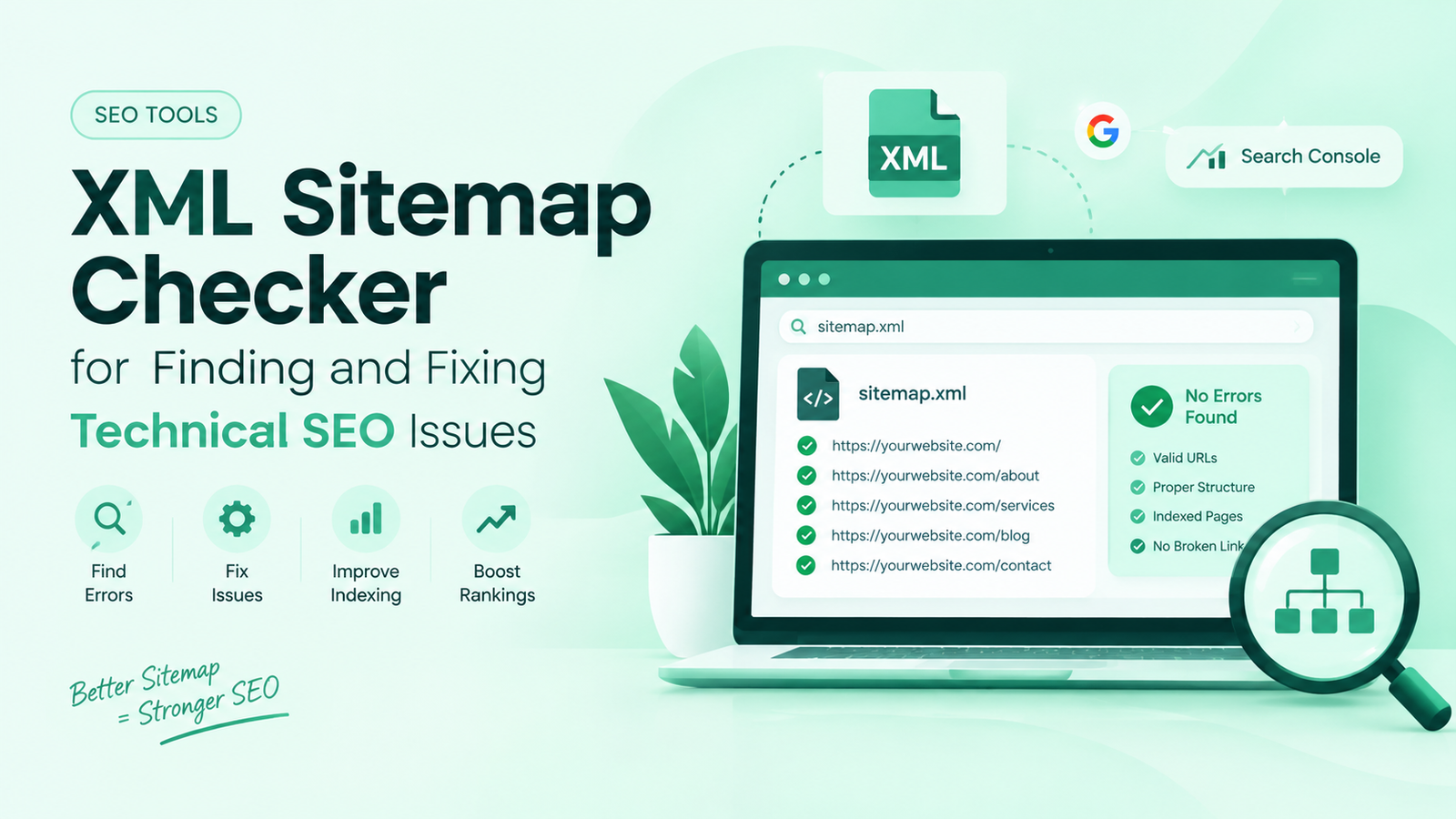
An XML sitemap provides search engines with a structured list of URLs that a website owner wants crawled.
A SaaS sitemap should primarily contain canonical, indexable pages that return successful HTTP responses.
These may include product features, educational resources, solution pages, and important landing pages.
Many SEO plugins and content management systems can generate XML sitemaps automatically.
Once created, submit the sitemap through the Sitemaps section in Google Search Console.
A sitemap helps discovery, but submitting it does not guarantee that Google will crawl or index every included URL.
Build a Logical Internal Linking Structure
Internal links help users and search engines navigate related content.
A SaaS business offering customer relationship management software might connect:
- A CRM software overview page
- A sales automation feature page
- A guide to customer management
- A CRM integration page
- A software comparison article
These connections create clear relationships between important topics.
Use descriptive anchor text that accurately describes the destination page rather than repeatedly inserting exact-match keywords.
Also avoid leaving important SaaS pages orphaned, meaning they have no useful internal links from other accessible website pages.
Improve Page Accessibility and Server Responses
Search engines must be able to retrieve website content successfully.
Important public pages should generally return an HTTP 200 OK status, while genuine missing pages should return appropriate error responses.
Investigate server errors, redirect loops, broken internal links, and authentication barriers.
SaaS applications frequently contain logged-in dashboards. These private application areas should be separated from public marketing pages so search engines can access relevant content without requiring user authentication.
Optimize JavaScript-Based SaaS Websites
Modern SaaS websites frequently use JavaScript frameworks to create interactive interfaces.
However, poor rendering configurations can make important page content difficult for search engines to process.
Consider server-side rendering, static generation, or other suitable rendering approaches for public-facing SEO pages.
Ensure Google can access essential content, navigation links, page titles, and metadata.
A JavaScript-based design does not automatically prevent indexing, but the rendered content must be accessible and understandable.
Content Optimization Strategies to Support SaaS Indexing
Technical accessibility is only one part of effective SaaS page indexing.
Google also evaluates page content when deciding what to index and display in search.
Publish Helpful and Original Content
Avoid creating large numbers of nearly identical articles targeting minor keyword variations.
Instead, focus on pages that offer distinctive value to readers.
For example, an article explaining SaaS customer retention could include practical examples, clearly explained formulas, realistic use cases, and common mistakes.
Content should answer the user’s actual question rather than simply repeat the target keyword.
Match Content With Search Intent
SaaS keywords generally relate to different stages of the customer journey.
Informational searches may involve software tutorials or educational guides.
Commercial searches often involve product comparisons, pricing, reviews, and feature evaluations.
Transactional searches may involve starting a trial or purchasing a subscription.
Aligning page content with search intent helps visitors find relevant information and strengthens the usefulness of your website.
Optimize Titles and Heading Structure
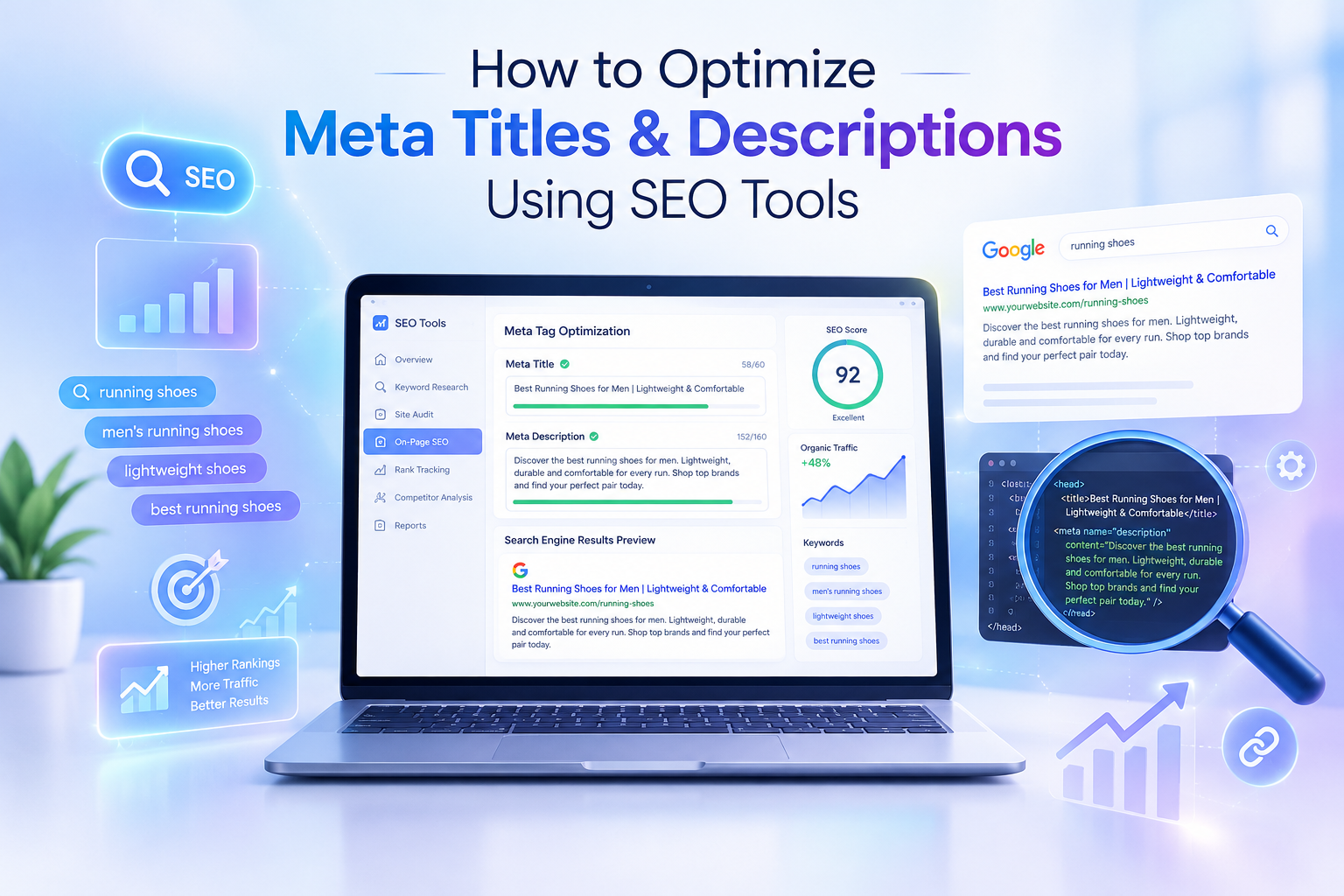
Create descriptive title tags and headings that accurately explain each page.
For example, a SaaS article could use:
SEO Title: SaaS Page Indexing Guide for Better Google Visibility
H1: SaaS Page Indexing Guide to Improve Google Search Visibility
Supporting H2 and H3 headings should organize the content into logical sections.
Use related terminology naturally, including SaaS technical SEO, Google indexing, organic search, and indexing problems.
Avoid keyword stuffing or creating headings solely to insert repeated search phrases.
Improve Mobile Usability and Page Experience
Google primarily uses the mobile version of a website’s content for indexing.
Therefore, SaaS businesses should ensure their mobile pages contain the same important information and links as their desktop versions.
Use responsive layouts, readable text, accessible navigation, and appropriately optimized media.
Improve page loading performance where possible and monitor Core Web Vitals.
These improvements can provide a better user experience, although achieving a particular performance score does not guarantee indexing or higher rankings.
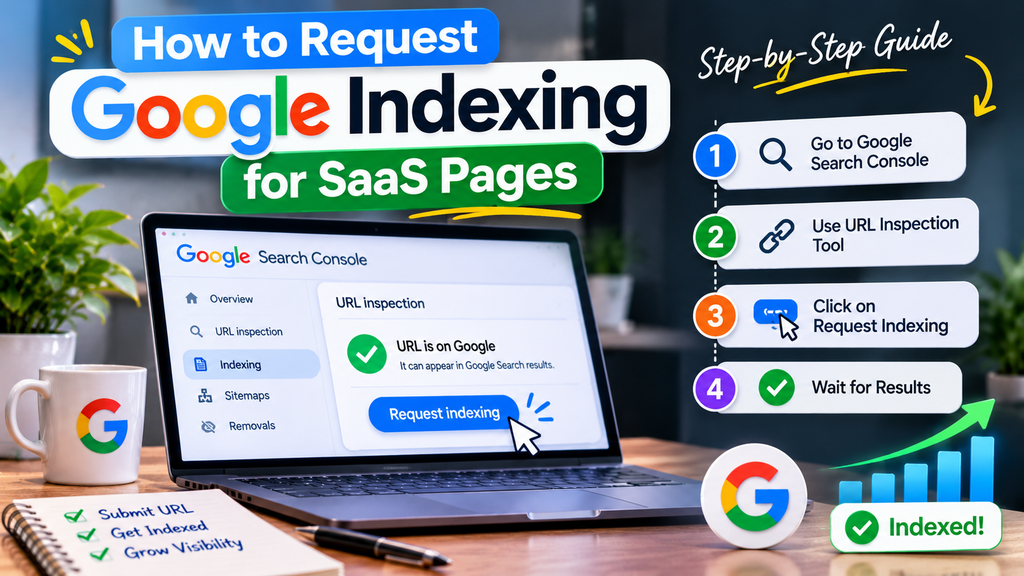
How to Request Google Indexing for SaaS Pages
When publishing a valuable new SaaS page or fixing an existing indexing problem, Google Search Console allows website owners to request indexing.
Follow these steps:
- Publish the page and confirm that it loads properly.
- Check that the page is not unintentionally blocked from indexing.
- Open the URL Inspection tool.
- Enter the complete page URL.
- Select Test Live URL.
- Review any detected accessibility or indexing problems.
- If appropriate, select Request Indexing.
This sends a request for Google to consider crawling the URL.
It does not guarantee immediate indexing, and repeated requests for an unchanged URL do not improve its priority.
For larger groups of pages, maintain an accurate XML sitemap and ensure they are discoverable through internal links.
How to Monitor SaaS Page Indexing Performance
Indexing optimization should be monitored alongside broader SEO performance.
SaaS companies can use Google Search Console to evaluate whether important content is becoming discoverable and generating search visibility.
Useful metrics include:
Indexed Important Pages: Track whether priority product, feature, and content pages are included in Google’s index.
Organic Search Impressions: Measure how often website pages appear in Google Search results.
Organic Clicks: Monitor the number of visitors reaching your website through unpaid search results.
Search Queries: Identify the keywords that generate impressions and clicks for individual pages.
Click-Through Rate: Examine the percentage of impressions that result in clicks.
Average Position: Review the average ranking position reported for relevant pages and queries.
These metrics should be interpreted together.
For example, indexing more pages does not necessarily mean organic traffic will increase. Pages must also match search demand, satisfy search intent, and compete effectively in search results.
SaaS Page Indexing Best Practices for Long-Term Growth
Successful indexing management requires a consistent strategy rather than repeated requests to Google.
Prioritize your most valuable public pages, including product descriptions, software solutions, pricing information, and high-quality educational resources.
Create a clear website architecture that connects related content through meaningful internal links.
Maintain accurate canonical tags, XML sitemaps, and indexing directives.
Regularly examine indexing reports for unexpected changes, particularly after website redesigns, CMS migrations, and large content updates.
Review outdated pages and improve them when they no longer satisfy user needs.
Avoid publishing thin, repetitive content only to increase the number of indexed URLs.
Most importantly, treat indexing as an essential technical requirement that supports SEO—not as a substitute for content quality, relevance, or authority.
Frequently Asked Questions About SaaS Page Indexing
What Is SaaS Page Indexing in SEO?
SaaS page indexing is the process through which Google analyzes and potentially includes public pages from a software-as-a-service website in its search index. Indexed pages become eligible to appear in relevant Google search results.
How Long Does Google Take to Index a SaaS Page?
Google indexing can take several days or longer, depending on factors such as page discovery, website accessibility, content quality, and Google’s crawling decisions. There is no guaranteed indexing timeline.
Why Are My SaaS Pages Not Indexed by Google?
Common explanations include newly discovered URLs, crawling restrictions, noindex directives, duplicate content, canonical selection, rendering problems, and pages Google decides not to index. Google Search Console can help identify the specific reason.
Does Submitting an XML Sitemap Guarantee Indexing?
No. An XML sitemap helps Google discover important URLs, but it does not guarantee crawling, indexing, or improved search rankings.
Can Internal Linking Improve SaaS Page Indexing?
Internal linking can improve URL discovery and help search engines understand relationships between website pages. Meaningful links from accessible, relevant pages can support crawling and indexing efforts.
Should Every SaaS Website Page Be Indexed?
No. SaaS websites may contain private dashboards, duplicate URLs, internal search results, and other pages that do not belong in public search results. Indexing efforts should focus on valuable, canonical public pages.
Conclusion
Effective SaaS page indexing is a fundamental requirement for improving Google Search visibility and supporting sustainable organic growth. Without proper discovery, crawling, and indexing, even valuable SaaS content may struggle to reach its intended audience.
By using Google Search Console, maintaining accurate XML sitemaps, improving internal links, resolving technical indexing issues, and creating original content, SaaS businesses can give their most important pages a stronger opportunity to appear in Google Search.
A well-organized indexing strategy also makes it easier to monitor website health, identify missing pages, and prioritize SEO improvements.



Leave a Reply