

Running a successful SaaS website requires more than publishing quality content and targeting relevant keywords. Search engines need to crawl, understand, and index your website efficiently, while potential customers expect fast pages, useful information, and a smooth user experience. This is where a SaaS SEO audit becomes essential.
A SaaS SEO audit is a detailed evaluation of a software-as-a-service website to identify technical problems, content gaps, keyword opportunities, user experience issues, and other factors that may affect organic search performance. With the help of modern website analysis tools, SaaS businesses can discover problems that are difficult to identify manually and build a clear strategy for improving search visibility.
In this guide, you will learn how to perform a complete SaaS SEO audit using website analysis tools and turn audit findings into practical improvements for long-term organic growth.
What Is a SaaS SEO Audit?
A SaaS SEO audit is a systematic review of a SaaS website’s search engine optimization performance. It examines different areas of the website to determine whether technical, on-page, content, or authority-related problems are preventing pages from achieving their full search potential.
Unlike a basic website check, a SaaS SEO audit should consider the structure of a SaaS customer journey. SaaS websites often contain product pages, feature pages, solution pages, comparison pages, integrations, pricing pages, educational resources, and blog content.
Each page type can target users at a different stage of the buying journey. Therefore, the audit should examine not only technical SEO but also whether the website provides relevant content for important search intents.
Why Is a SaaS SEO Audit Important?
SEO problems can develop gradually as a SaaS website grows. New pages are published, old URLs are changed, features are updated, and blog libraries become larger. Without regular monitoring, these changes can create broken links, duplicate pages, outdated content, indexing problems, and inefficient internal linking.
A detailed SaaS SEO audit can help uncover these issues before they significantly affect organic performance.
Regular auditing can help a SaaS business:
- Identify crawling and indexing problems
- Improve website speed and usability
- Discover underperforming content
- Find keyword gaps and new opportunities
- Strengthen internal linking
- Detect broken pages and redirects
- Evaluate backlink quality
- Improve important landing and product pages
- Build a more organized website architecture
- Support sustainable organic traffic growth
Instead of making random SEO changes, an audit provides data that can help prioritize improvements.
How to Perform a SaaS SEO Audit Step by Step
A complete SaaS SEO audit should combine information from multiple website analysis tools. No single tool provides every insight required for a comprehensive audit.
The following process covers the major areas you should analyze.
1. Crawl Your SaaS Website
Start by crawling the entire website with an SEO crawling or website analysis tool. A crawler examines URLs in a way that helps reveal how search engines may encounter different pages and links across your site.
During the crawl, look for issues such as:
- Broken internal links
- 404 pages
- Redirect chains
- Duplicate URLs
- Missing title tags
- Missing meta descriptions
- Incorrect canonical tags
- Orphan or deeply buried pages
- Pages with crawl restrictions
Pay particular attention to important SaaS pages, including your homepage, pricing pages, feature pages, solution pages, integration pages, and high-value blog posts.
If important commercial pages are difficult for a crawler to discover, search engines may also have difficulty finding or understanding them efficiently.
2. Check Crawling and Indexing
A page cannot generate meaningful organic search traffic if search engines cannot properly access or index it.
Use website analysis and search performance tools to determine which important pages are indexed and whether any technical directives are preventing search engines from accessing valuable content.
Review elements such as:
Robots.txt
Your robots.txt file tells search engine crawlers which sections of the website they can or cannot crawl. Make sure important public content is not accidentally blocked.
XML Sitemap
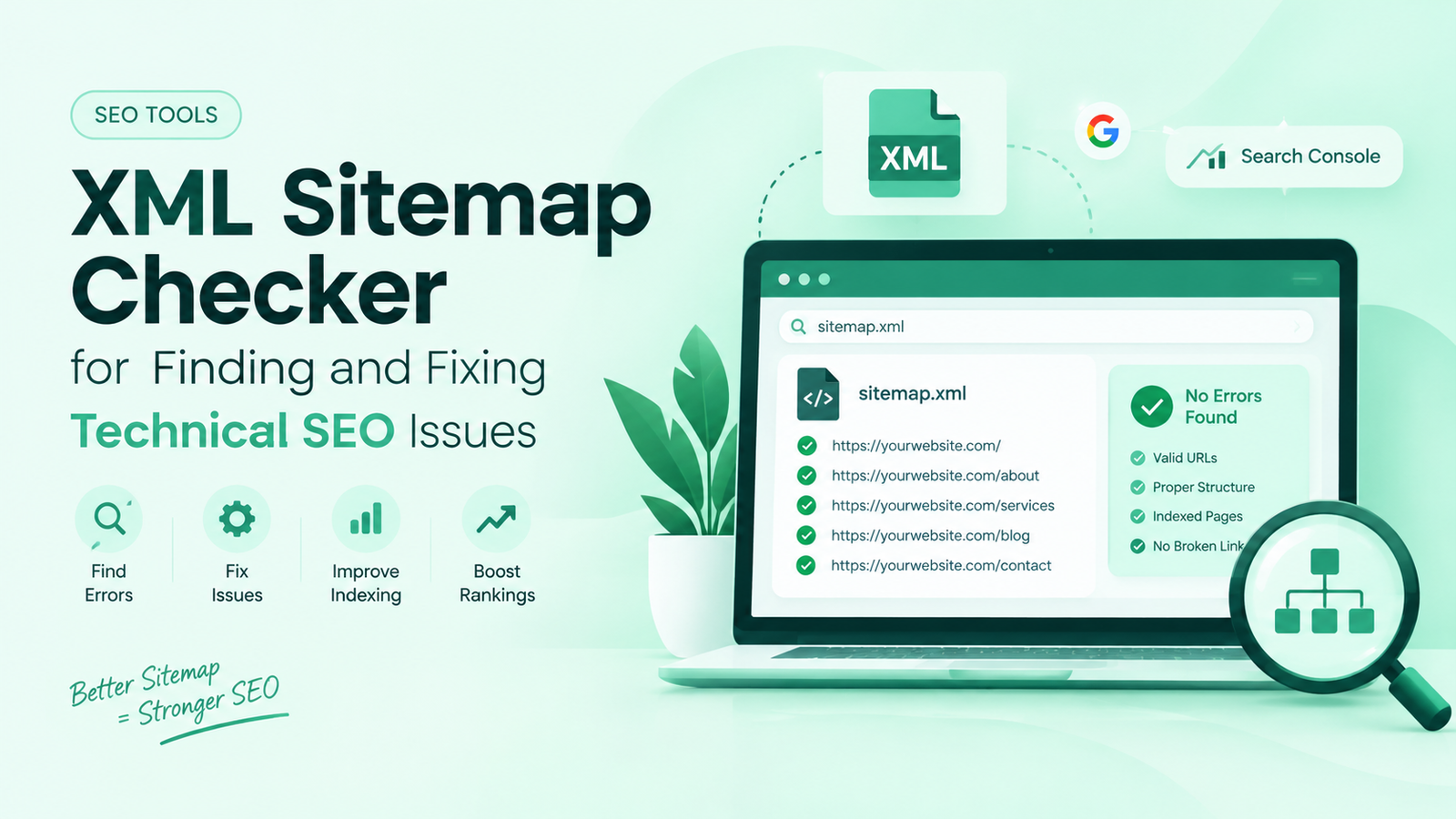
An XML sitemap should contain important canonical URLs that you want search engines to discover. Remove unnecessary, redirected, broken, or non-canonical URLs from the sitemap.
Noindex Tags
Check whether important SaaS pages contain accidental noindex directives.
Canonical URLs
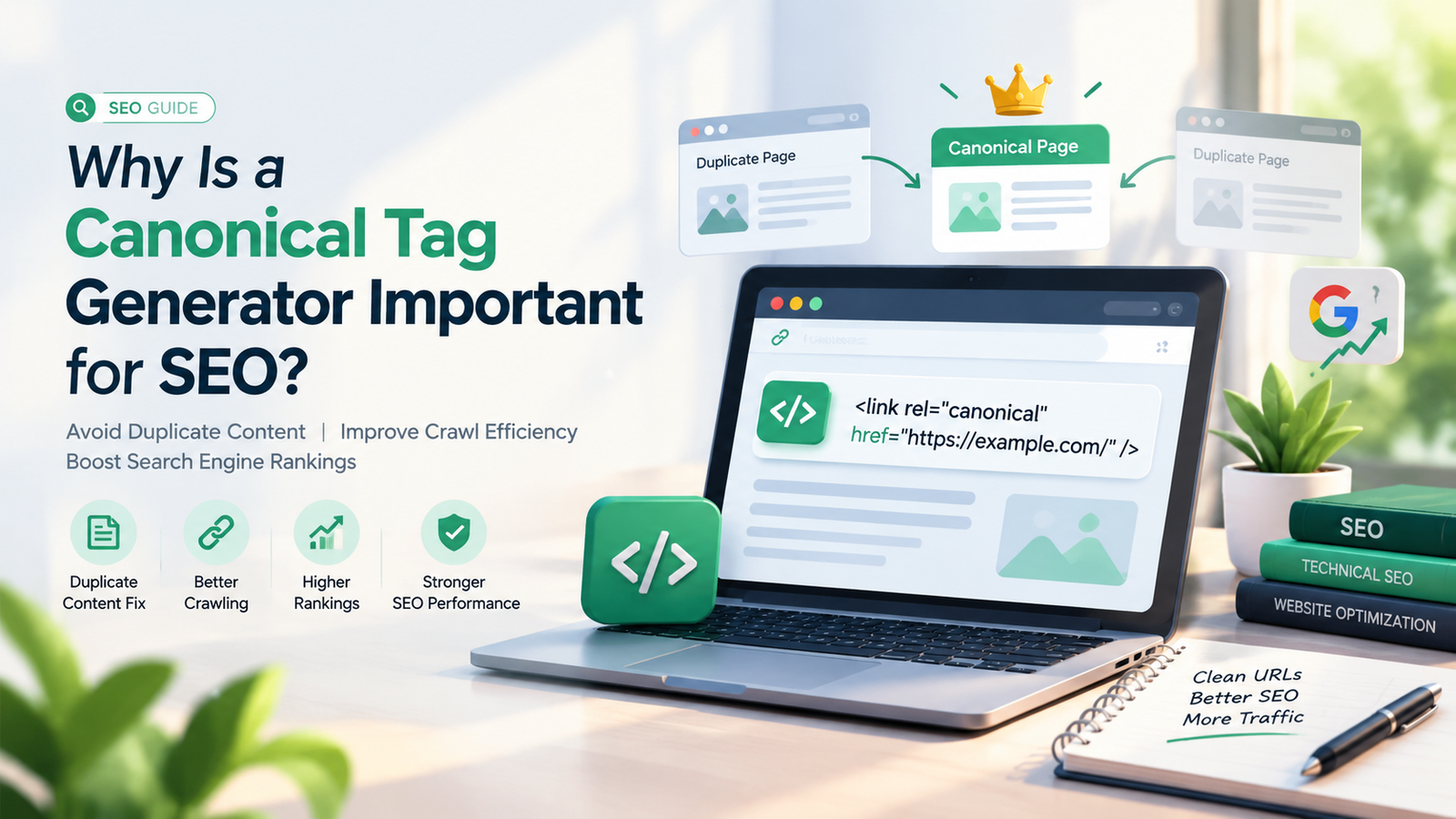
Canonical tags help search engines understand which URL should be treated as the preferred version when similar pages exist.
Fixing indexing issues should usually be one of the early priorities of a SaaS SEO audit because other optimization work provides limited value if important pages cannot appear in search results.
3. Analyze Website Speed and Core Web Vitals
Website performance can affect both user experience and search visibility. SaaS websites may contain interactive elements, product animations, tracking scripts, screenshots, videos, and third-party integrations that increase page weight.
Use performance analysis tools to examine metrics related to loading performance, responsiveness, and visual stability.
Common improvements may include:
- Compressing large images
- Using modern image formats
- Removing unnecessary scripts
- Reducing unused CSS and JavaScript
- Improving browser caching
- Optimizing fonts
- Using lazy loading appropriately
- Improving server response performance
Do not focus only on a single performance score. Examine real user experience and prioritize improvements on important pages that receive or are expected to receive organic traffic.
4. Audit On-Page SEO Elements
The next stage of your SaaS SEO audit should focus on individual page optimization.
Analyze title tags, meta descriptions, headings, URLs, keyword targeting, internal links, images, and page content.
Title Tags
Every important page should have a descriptive and relevant title that clearly communicates its primary topic.
Avoid unnecessary duplication across multiple SaaS pages.
Meta Descriptions
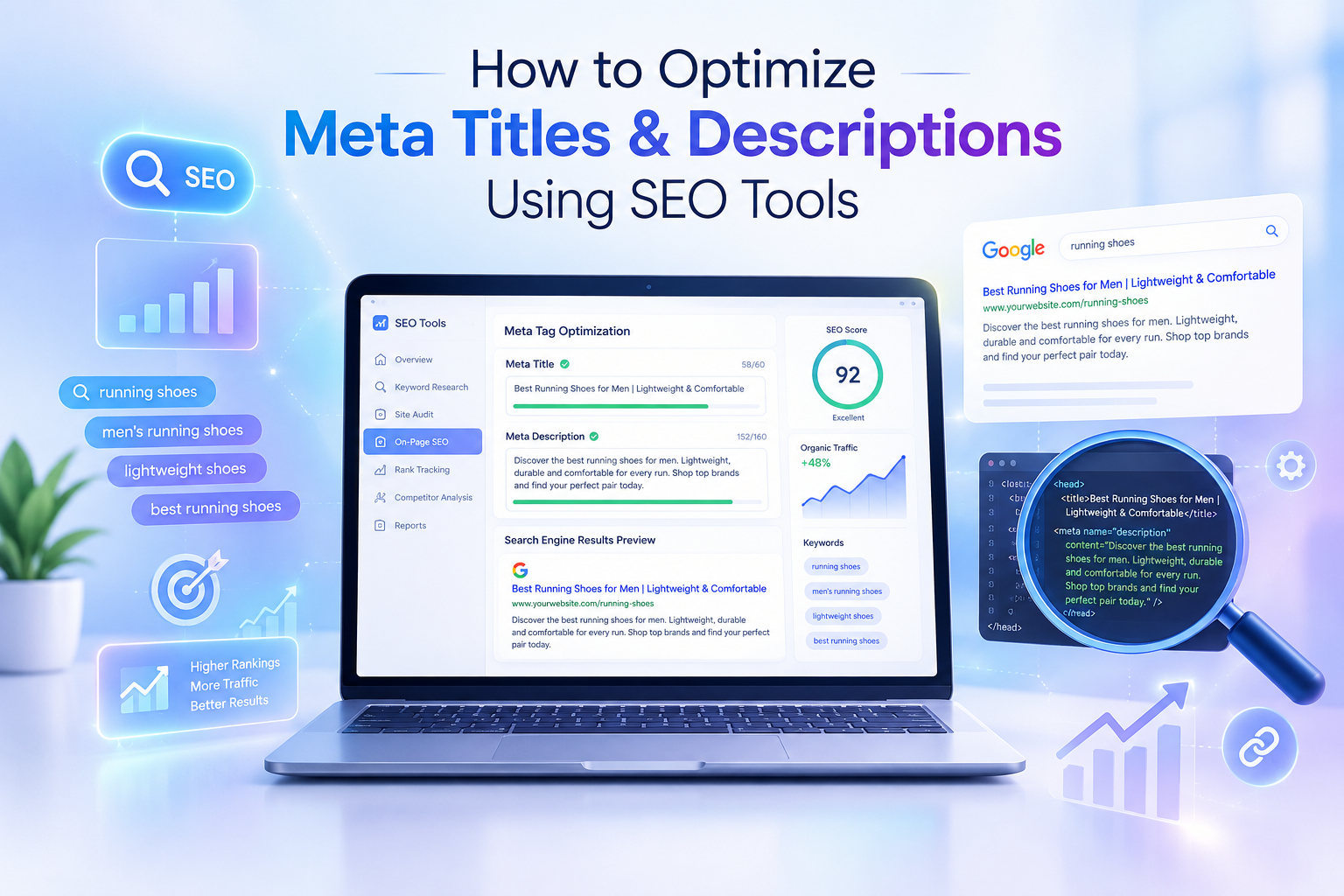
Write useful meta descriptions that summarize the page and encourage relevant users to visit it. While meta descriptions are not a direct guarantee of higher rankings, strong descriptions can improve how a search result communicates value.
Heading Structure
Use one clear primary H1 and organize supporting sections with logical H2 and H3 headings.
Headings should improve readability rather than simply repeat keywords.
URL Structure
Keep URLs short, understandable, and relevant to the content.
is clearer than a long URL containing unnecessary parameters or unrelated words.
5. Evaluate Keyword Targeting and Search Intent
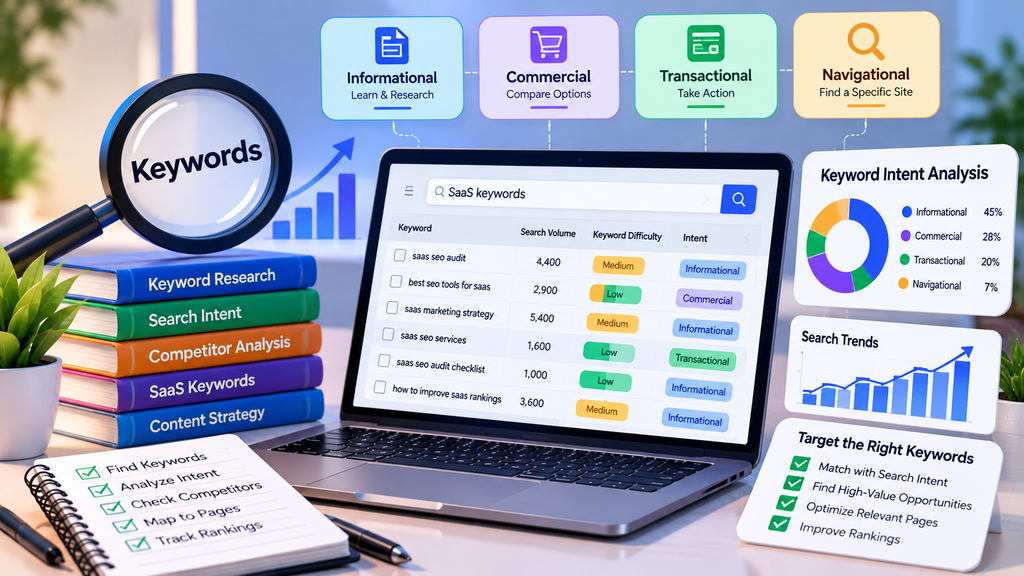
Keyword analysis is especially important for SaaS SEO because users search differently depending on their stage in the buying journey.
Some users may search for educational information, while others may be comparing software solutions or looking for a specific product feature.
Group your important keywords according to search intent, such as:
- Informational
- Commercial
- Comparison
- Product-focused
- Problem-focused
- Transactional
Then map important keywords to suitable pages.
For example, an informational keyword may belong in a detailed blog post, while a high-intent product keyword may be better targeted through a feature or solution page.
Avoid targeting the same primary keyword across several pages without a clear reason. This can cause multiple pages to compete for similar search intent.
6. Perform a SaaS Content Audit
Content often represents a significant portion of a SaaS website’s organic search potential.
Use website analysis tools to identify pages receiving impressions, clicks, rankings, backlinks, and engagement. Then separate strong pages from content that may require improvement.
Look for:
- Outdated articles
- Thin content
- Duplicate topics
- Declining organic traffic
- Pages ranking just outside stronger search positions
- Content receiving impressions but few clicks
- Important topics with no dedicated content
- Articles with weak internal linking
Do not automatically delete an article simply because it receives little traffic. First determine whether it supports another important page, targets a valuable niche query, attracts backlinks, or contributes to the overall topical structure.
Some pages may need updating, consolidation, repositioning, or stronger internal links instead of removal.
7. Review Internal Linking
Internal links help users navigate a SaaS website and help search engines understand relationships between pages.
During your SaaS SEO audit, identify important pages receiving very few internal links.
A strong SaaS internal linking structure can connect related:
- Blog posts
- Feature pages
- Product pages
- Integration pages
- Comparison pages
- Solution pages
- Case studies
For example, an informational article explaining a business problem can naturally link to a relevant SaaS feature that helps address that problem.
Use descriptive anchor text where appropriate rather than repeatedly using generic phrases such as “click here.”
8. Analyze Your Backlink Profile
Backlinks remain an important part of evaluating a website’s authority and visibility.
Use backlink analysis tools to examine which websites link to your SaaS domain and which pages attract the most external links.
Analyze:
- Referring domains
- Backlink relevance
- Linked pages
- Anchor text patterns
- New and lost links
- Competitor backlink opportunities
The goal should not simply be to obtain the highest possible number of links. Relevant, trustworthy links from useful industry resources can be more valuable than large quantities of low-quality links.
Backlink analysis can also reveal which content formats naturally earn mentions, helping guide future content and digital PR strategies.
9. Identify Competitor SEO Gaps
A SaaS SEO audit becomes more useful when your website is compared with relevant organic search competitors.
Use competitor analysis tools to discover keywords and topics for which competing websites have visibility but your website has limited or no coverage.
Look at competitor:
- Keyword rankings
- High-performing pages
- Content topics
- Backlinks
- Website structure
- Feature and solution pages
- Comparison content
The purpose is not to copy competitor content. Instead, use competitive data to understand areas where your site may be missing valuable search demand.
Create original resources that provide stronger relevance, clarity, expertise, or usefulness.
10. Check Mobile SEO and User Experience
A large portion of web browsing happens on mobile devices, so important SaaS pages should provide a strong mobile experience.
Review your website on different screen sizes and check:
- Font readability
- Button sizes
- Navigation
- Forms
- Pop-ups
- Page speed
- Layout stability
- Image scaling
- Content spacing
A technically optimized page can still perform poorly for users if navigation is confusing or important information is difficult to access.
SEO and user experience should therefore be evaluated together.
Best Website Analysis Tools for a SaaS SEO Audit
Different tools serve different parts of the auditing process. Depending on your budget and requirements, a SaaS SEO audit may use a combination of free and paid platforms.
Useful tool categories include:
Google Search Console: Helpful for understanding search performance, indexing, queries, pages, and other Google Search-related information.
Google Analytics: Useful for understanding website traffic, landing-page behavior, acquisition patterns, and user engagement.
PageSpeed Insights: Helps evaluate page performance and Core Web Vitals-related opportunities.
SEO Crawlers: Useful for discovering broken links, redirects, metadata issues, canonical problems, and website architecture concerns.
Keyword Research Tools: Help identify rankings, search opportunities, keyword gaps, and competing pages.
Backlink Analysis Tools: Allow you to examine referring domains, external links, competitor link profiles, and link opportunities.
Combining data from several tools generally produces a more complete picture than relying on one platform.
How Often Should You Perform a SaaS SEO Audit?
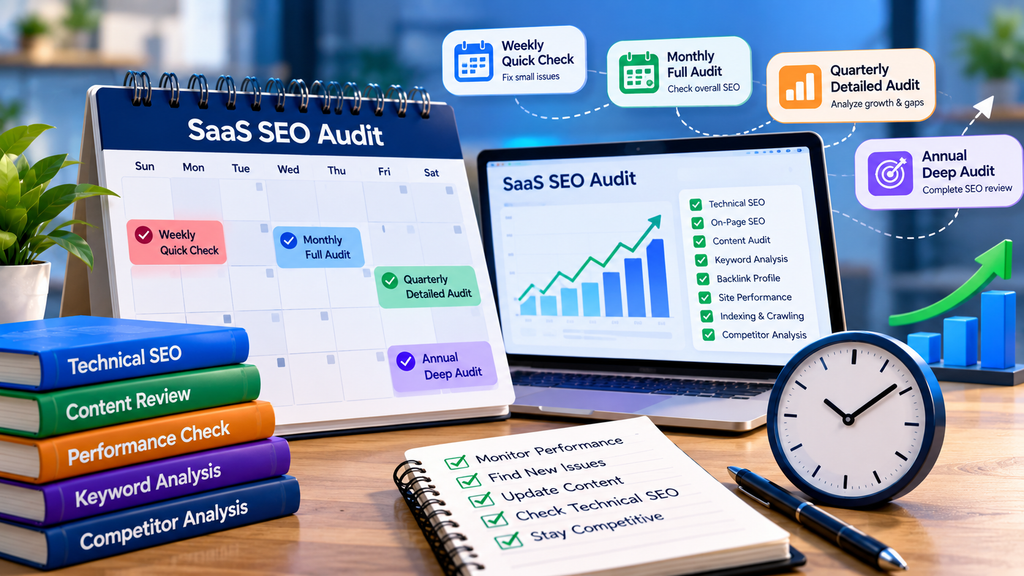
There is no universal audit schedule for every SaaS website. The right frequency depends on the size of the site and how often it changes.
A growing SaaS website that regularly publishes new content and launches new product pages may benefit from smaller technical checks frequently and more comprehensive audits periodically.
You should also consider conducting an audit after:
- A major website redesign
- Domain or URL migrations
- Significant traffic declines
- Large content updates
- Changes to website architecture
- Launching many new product or feature pages
Continuous monitoring makes it easier to identify problems before they become widespread.
Common SaaS SEO Audit Mistakes to Avoid
A successful audit should result in meaningful action rather than simply producing a long list of warnings.
Common mistakes include focusing only on automated SEO scores, fixing low-impact issues before critical problems, ignoring search intent, removing pages based only on traffic, overlooking internal links, and failing to measure results after changes.
Prioritize audit findings based on impact, importance, and effort.
For example, resolving an indexing problem affecting an important product page may deserve higher priority than rewriting a minor meta description on an old article.
Final Thoughts
A comprehensive SaaS SEO audit helps businesses understand what is limiting their organic search performance and where new growth opportunities exist. By combining website crawling, indexing analysis, technical SEO, content evaluation, keyword research, internal linking, backlink analysis, competitor research, and user experience testing, SaaS companies can create a clearer roadmap for improvement.
Website analysis tools make this process faster and more data-driven, but tools alone do not determine SEO success. The real value comes from interpreting the information correctly and prioritizing changes that improve search accessibility, content relevance, and user experience.
Regularly auditing and improving your SaaS website can help create a stronger technical foundation, improve valuable content, increase organic visibility, and support sustainable growth over time.
Frequently Asked Questions
What is a SaaS SEO audit?
A SaaS SEO audit is a detailed analysis of a SaaS website’s technical SEO, content, keywords, backlinks, internal links, indexing, and overall search performance. It helps identify problems and opportunities that can affect organic visibility.
Which tools can be used for a SaaS SEO audit?
You can use search performance tools, analytics platforms, SEO crawlers, keyword research tools, backlink analysis platforms, and website performance tools. Combining multiple tools usually provides a more comprehensive analysis.
How long does a SaaS SEO audit take?
The time required depends on the size and complexity of the website. A small SaaS site may require considerably less time than a large platform containing thousands of product, integration, and blog URLs.
Can a SaaS SEO audit improve organic traffic?
An audit itself does not automatically increase traffic. It identifies issues and opportunities. Organic performance may improve when high-impact findings are correctly implemented and monitored over time.
Should SaaS companies perform SEO audits regularly?
Yes. Regular audits can help SaaS companies detect technical problems, outdated content, indexing issues, keyword gaps, and other opportunities as their websites continue to grow.



Leave a Reply